
Feedback from your visitors simple as Ctrl+Enter
RevisionMe is a visual feedback tool: a lightweight widget for your website and a web app for managing the feedback. Your visitors point at the problem, you get a screenshot, a comment and browser details by email or web push.
Create a free account and get the code for your site
Used Orphus before? It is the same Ctrl+Enter habit, plus a screenshot, area selection and notifications. Revisionme is an independent service, not affiliated with Orphus.
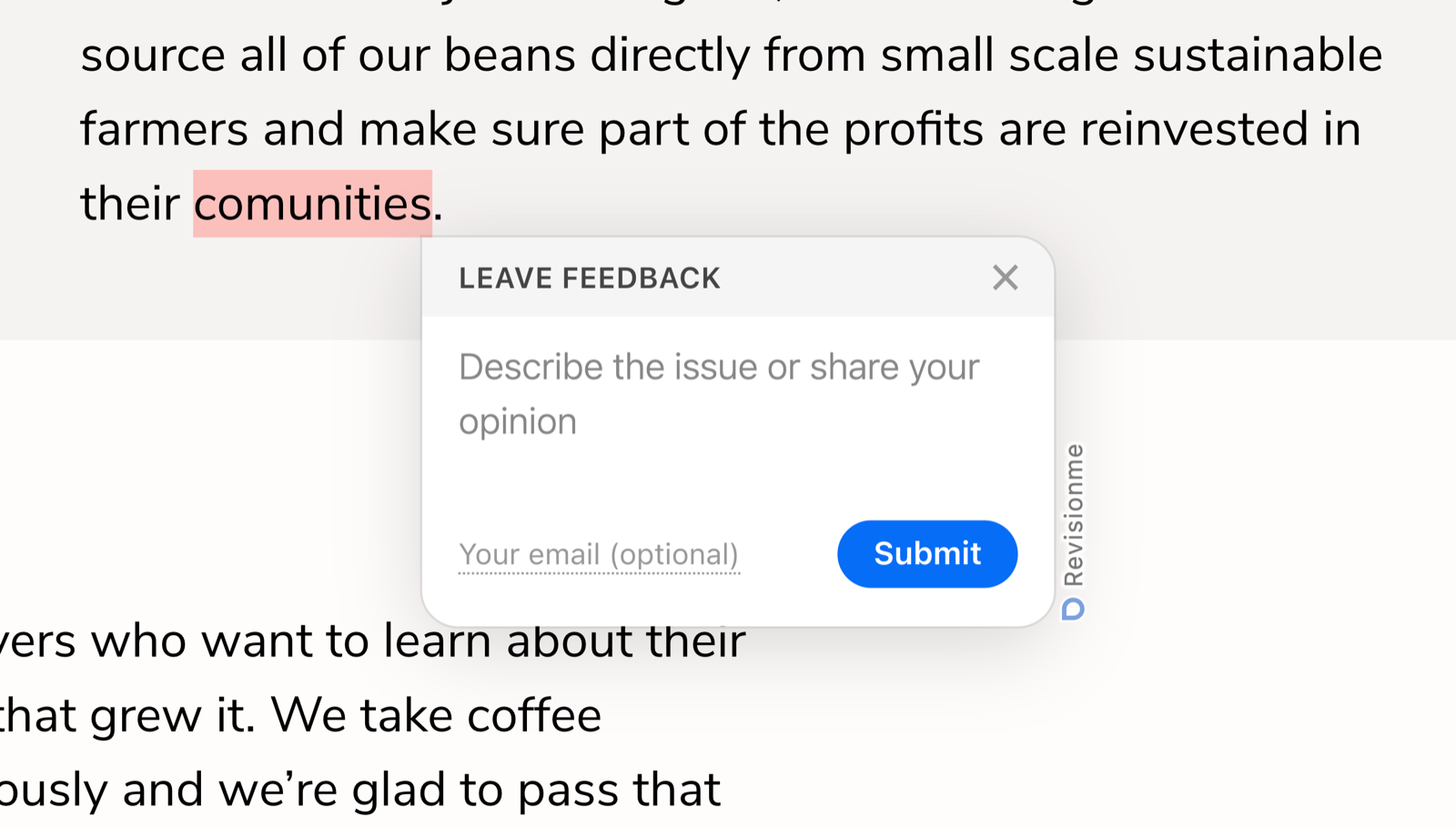
Any text on the page: select it and press Ctrl+Enter (⌘+Enter on Mac).
Select text and click the button next to it — the selected fragment goes with the report.
Click the floating button and drag over the problem area of the page.
Simple for the visitor, visual for you
Every report arrives with a screenshot of the page, the selected text or area, the URL, browser and viewport size, so you understand the problem without asking back. Mark it resolved, reject it or share it by link with your developer.
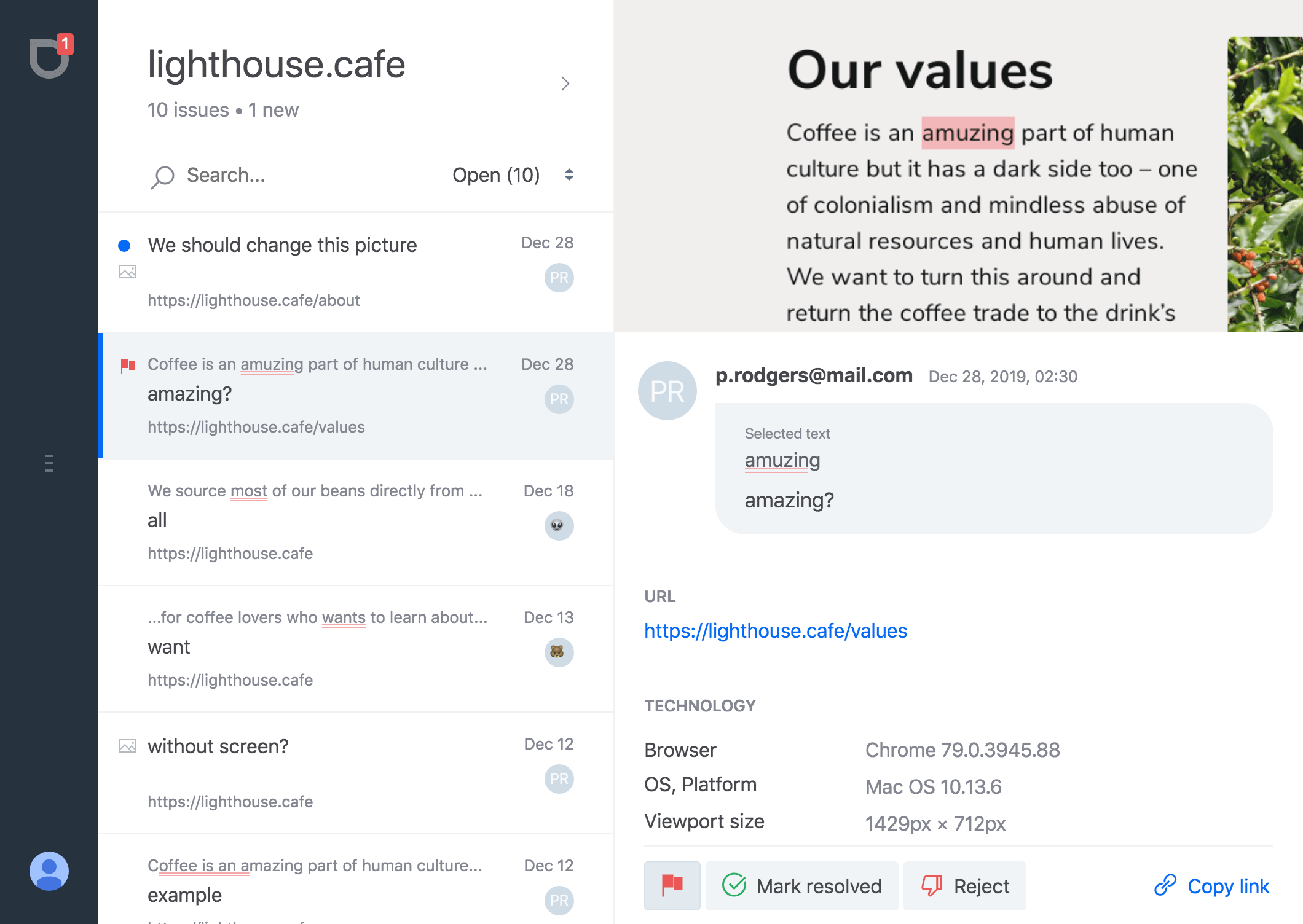
Use the collective mind of your audience to improve your product
Bugs and typos
Broken layouts, dead links, misprints — spotted by the people who actually read your pages.
Improvement ideas
Visitors tell you what is confusing or missing, right where it happens.
Text proofreading
Editors and translators mark the exact phrase instead of describing where to look.
Reviews and feedback
A simple way for teammates and clients to comment on a staging or a live site.
Everything you need, nothing to configure
Installed in two minutes
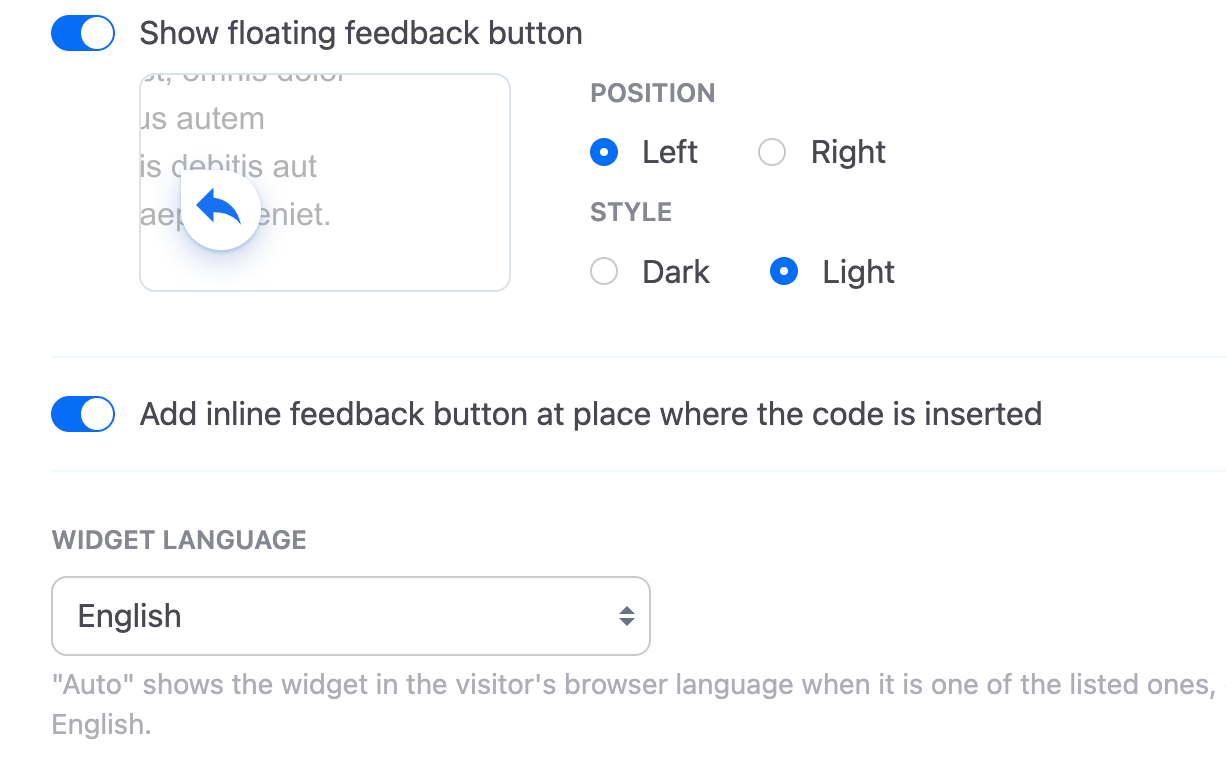
Make the widget yours


Email and web push notifications
Built for sites made with AI agents
Your visitors, clients and testers mark problems on the live page. Your coding agent gets them as structured tasks — the URL, the exact phrase, the comment, the viewport and the screenshot — instead of blurry screenshots in a chat.
- MCP server
- Connect Claude Code, Cursor or Copilot with one command. The agent lists the open reports, sees the screenshots, fixes the problems and marks the reports resolved itself.
- REST API
- Projects and reports as JSON for your own scripts and pipelines. Keys for all projects or only the ones you choose.
- Copy for AI agent
- One click turns any report into a ready prompt to paste into whatever agent you use.
Works with any agent that speaks MCP
Start collecting feedback today
Create a free account and get the code for your site