
Widget language
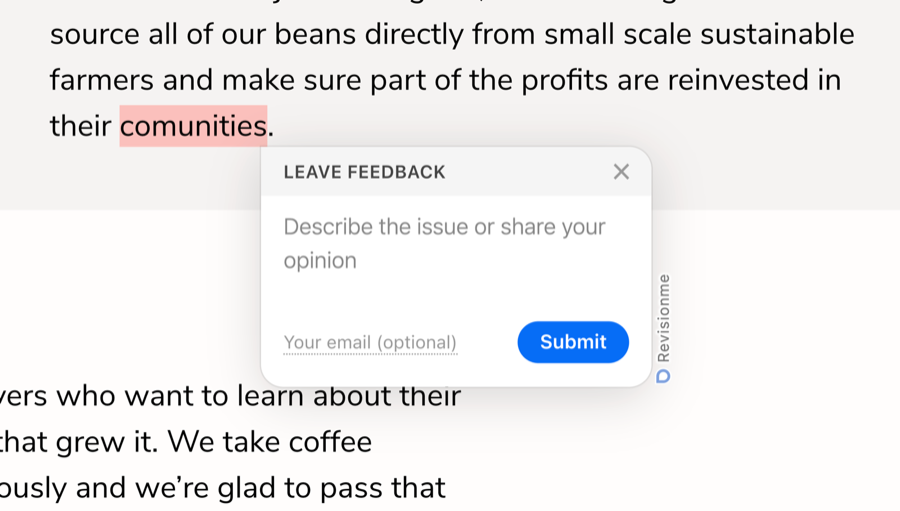
The widget interface (the form, its placeholders, buttons and messages) is available in 17 languages. Which one a visitor sees is decided by the locale option in the embed code. There are three ways to use it.
1. A fixed language
Set locale to one of the supported codes and every visitor gets that language:
window.__rm__config = {
  projectId: 'YOUR_PROJECT_ID',
  locale: 'de'
};
Supported codes: en English, ua Ukrainian (uk is accepted too), ru Russian, pt Portuguese, es Spanish, de German, fr French, it Italian, pl Polish, nl Dutch, tr Turkish, cs Czech, ro Romanian, hu Hungarian, sv Swedish, ja Japanese, zh Chinese. An unknown code falls back to English, and so does a missing locale.
This is what the “Widget language” select in the project settings does: it writes the chosen code into the generated embed code.
2. Automatic: the visitor's browser language
window.__rm__config = {
  projectId: 'YOUR_PROJECT_ID',
  locale: 'auto'
};
With 'auto' the widget looks at the languages the visitor's browser prefers (navigator.languages) and takes the first one it supports, otherwise English. New projects are created with this setting. It is the right choice for a site with an international audience where the widget should simply speak the visitor's language.
3. The language of your own site
If your site is multilingual and you want the widget to follow the language of the page rather than the browser, set locale from your own code before the widget script runs. Any value your templates already know will do, for example the lang attribute of the page:
<script>
window.__rm__config = {
  projectId: 'YOUR_PROJECT_ID',
  locale: document.documentElement.lang || 'auto'
};
</script>
<script src="https://widget.revisionme.com/app.js" defer id="rm_app_script"></script>
Or print the code straight from your server-side template, e.g. locale: '<?= $currentLang ?>'. The widget reads __rm__config once, when it starts, so the value has to be in place before app.js loads; changing it later on the same page has no effect until the page is reloaded.
What the language does not change
The language only affects the visitor's interface. Reports, the web app and the notification emails stay the same, and the report always keeps the visitor's browser language in its technical details.